
Research on Pro Players Mouse Sensitivity in OW2
As a professional Overwatch 2 player currently ranked #230, I’ve constantly questioned whether my mouse sensitivity is truly optimal. The sensitivity debate has raged since OW2’s launch, especially with tactical shooter veterans bringing different expectations to Blizzard’s faster-paced arena. After analyzing nearly 100 pro players’ settings in Liquipedia and official interviews, I’m sharing definitive data to help you optimize your aim.
Why Sensitivity Matters More Than You Think
Sensitivity is your most adjustable aiming variable, but it interacts with:
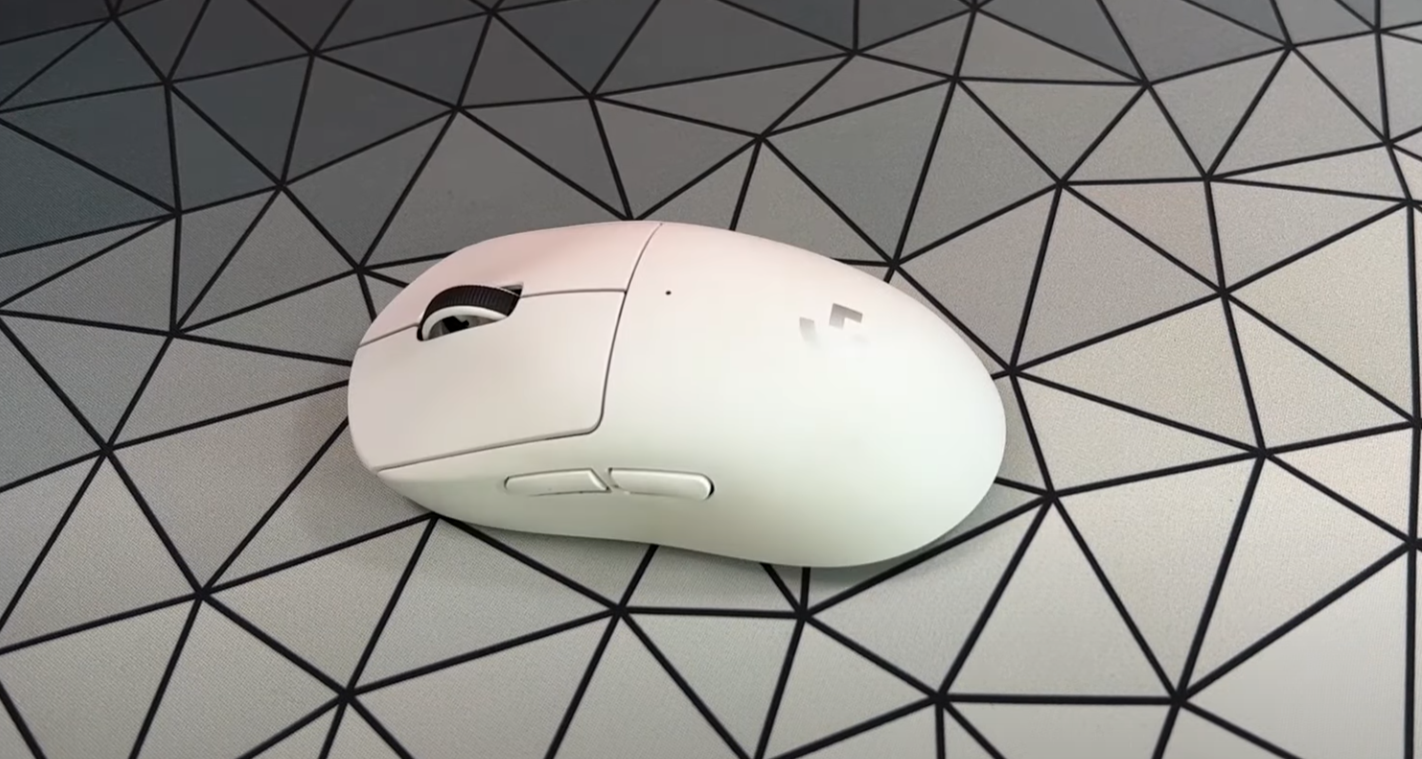
- Mouse weight & grip style
- Natural range of motion
- Posture and desk setup
- Critical Insight: Your height significantly impacts ideal sensitivity due to biomechanics
Overwatch vs. Tactical Shooters
Unlike Valorant or CS:GO which favor low-sens precision, OW2 demands:
- Rapid target switching (high TTK)
- Vertical aim (Pharah, Echo, Lucio)
- Close-quarters combat
- Hero-specific mechanics (e.g., Genji blades, Ball rollouts)
Breaking Down Aim Styles
| Style | Advantages | Disadvantages |
|---|---|---|
| Wrist Aiming | Faster micro-adjustments Less physical fatigue | Higher injury risk Limited rotation range |
| Arm Aiming | Healthier long-term Better for large sweeps | Requires large mousepad Slower micro-adjustments |
Mouse Grip Types
- Palm: Maximum comfort, less precision
- Claw: Balance of speed/control
- Fingertip: Maximum agility, high fatigue
Mousepad Essentials
- Speed vs Control pads affect glide
- Thickness compensates for uneven desks
- Stitched edges increase durability but may irritate skin
The Pro Player Dataset: 100+ Configurations Analyzed
Using Liquipedia as our primary source, we categorized players by role and historical hero pools. Key findings:
Optimal Sensitivity Ranges (eDPI*)
| Role | Recommended eDPI | Middle 75% Range |
|---|---|---|
| Main Tank (Winston/Ball) | 5,584 (median) | 4,000 – 9,600 |
| Off Tank (D.Va/Zarya) | 4,800 (median) | 3,200 – 8,000 |
| Hitscan/Projectile DPS | 3,848 (median) | 2,800 – 5,000 |
| Flex DPS (Tracer/Genji) | 5,200 (median) | 4,000 – 7,600 |
| Flex Support (Ana/Zen) | 3,200 (median) | 2,400 – 4,800 |
| Main Support (Lucio/Mercy) | 5,289 (median) | 4,000 – 6,900 |
*eDPI = DPI × In-Game Sensitivity. Standardizes comparison across setups.
Key Discoveries
- Main Tanks have widest sensitivity range (4000-9600 eDPI)
- Hitscan players cluster tightly around 4000 eDPI
- 68% use 800 DPI (see full DPI distribution)
- Outlier Alert: Haskal’s 20,000+ eDPI Genji is extreme exception
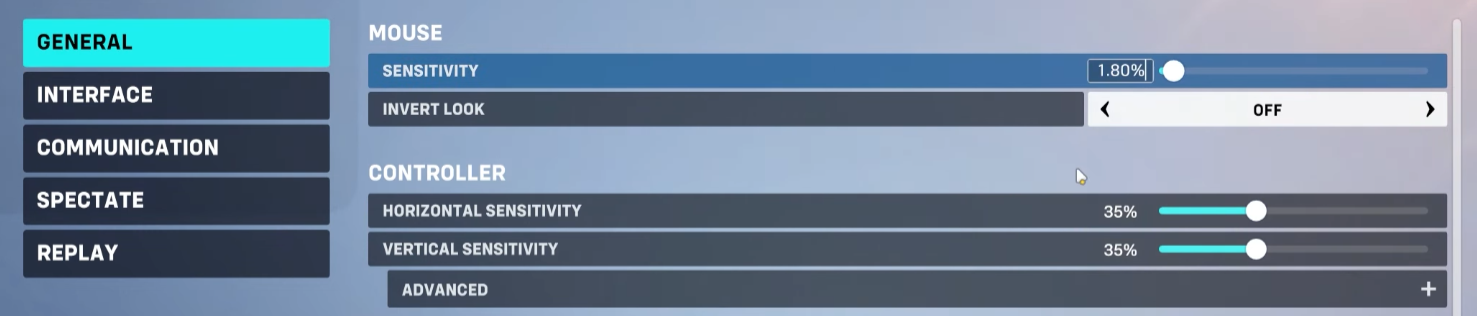
Practical Implementation Guide
Step 1: Find Your Baseline
Use Struth Gaming’s sensitivity drill to reset muscle memory. Key principles:
- Start at 4000 eDPI (5 sens @ 800 DPI)
- Make incremental 5-10% adjustments
- Test tracking AND flicking scenarios
Hero-Specific Settings
Many pros customize per hero:
- Ball/Ramattra: Use
Relative Aim Sensitivity While Zoomedfor form differences - Widow/Ashe: Lower scoped sensitivity (typically 30-50%)
- Genji/Tracer: +15-25% higher than hitscan settings
Aim Training Pro Tips
- Predictable tracking (training bots)
- Flick to static targets
- Strafing while tracking
- Target switching drills
- Vertical tracking (Pharah bots)
- Aim trainers for mouse control
DPI Technical Deep Dive
- Higher DPI (1600+) reduces input latency (research)
- Match eDPI when changing DPI: 800DPI × 5 sens = 1600DPI × 2.5 sens
- Adjust Windows pointer speed if desktop feels too fast
The Final Verdict
While outliers exist (like Haskal’s 20k eDPI Genji), 95% of pros fall within these ranges. If your settings differ drastically and you’re struggling, experimentation is warranted. Remember:
- Re-evaluate after hardware changes
- Adjust for posture/desk changes
- Balance precision vs. mobility needs
At the end of the day, sensitivity remains personal preference – but preference favors proven performance. As someone with multiple Top 500 seasons using consistent settings, I encourage you to let data inform your choices, not dictate them.